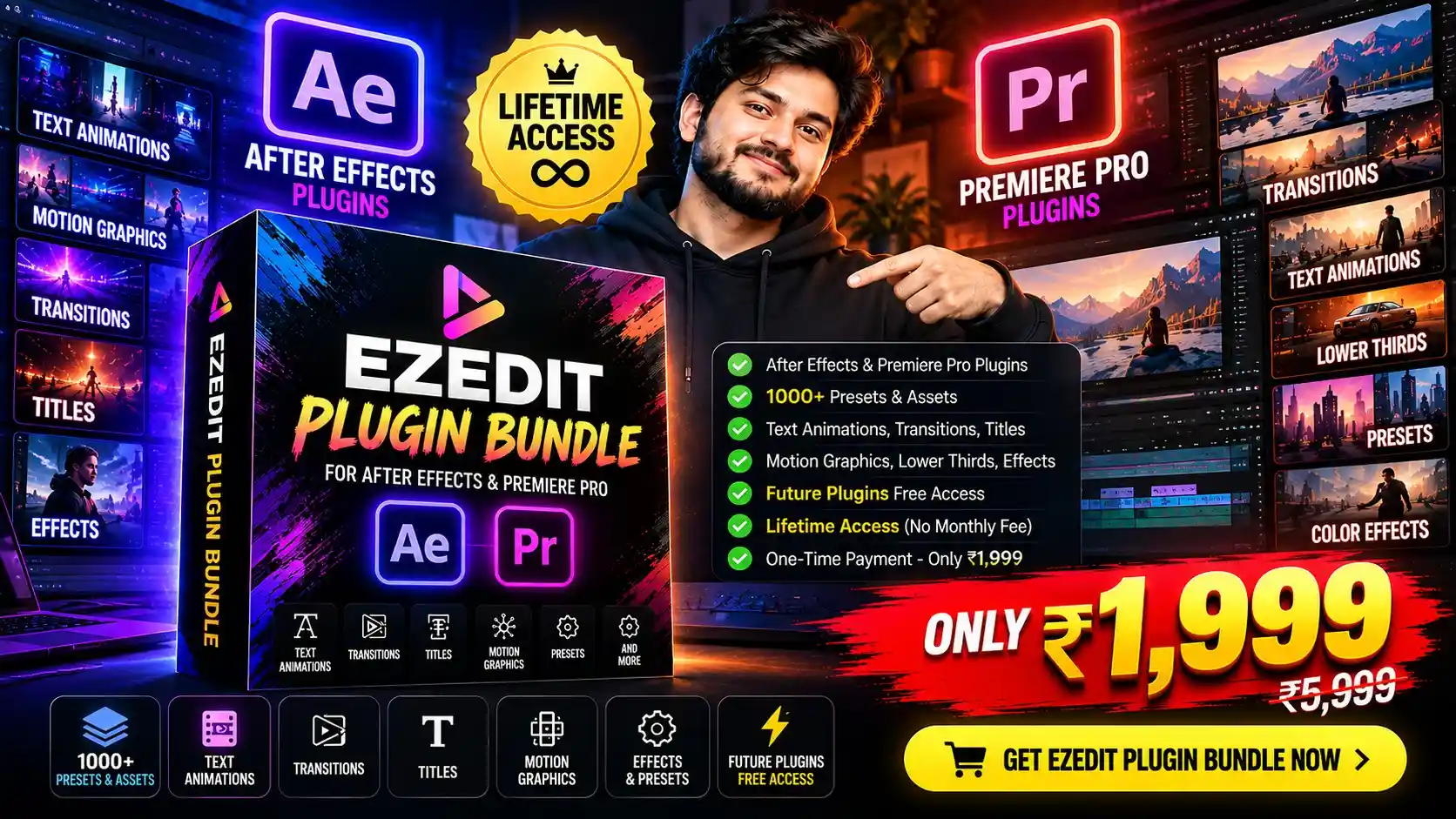

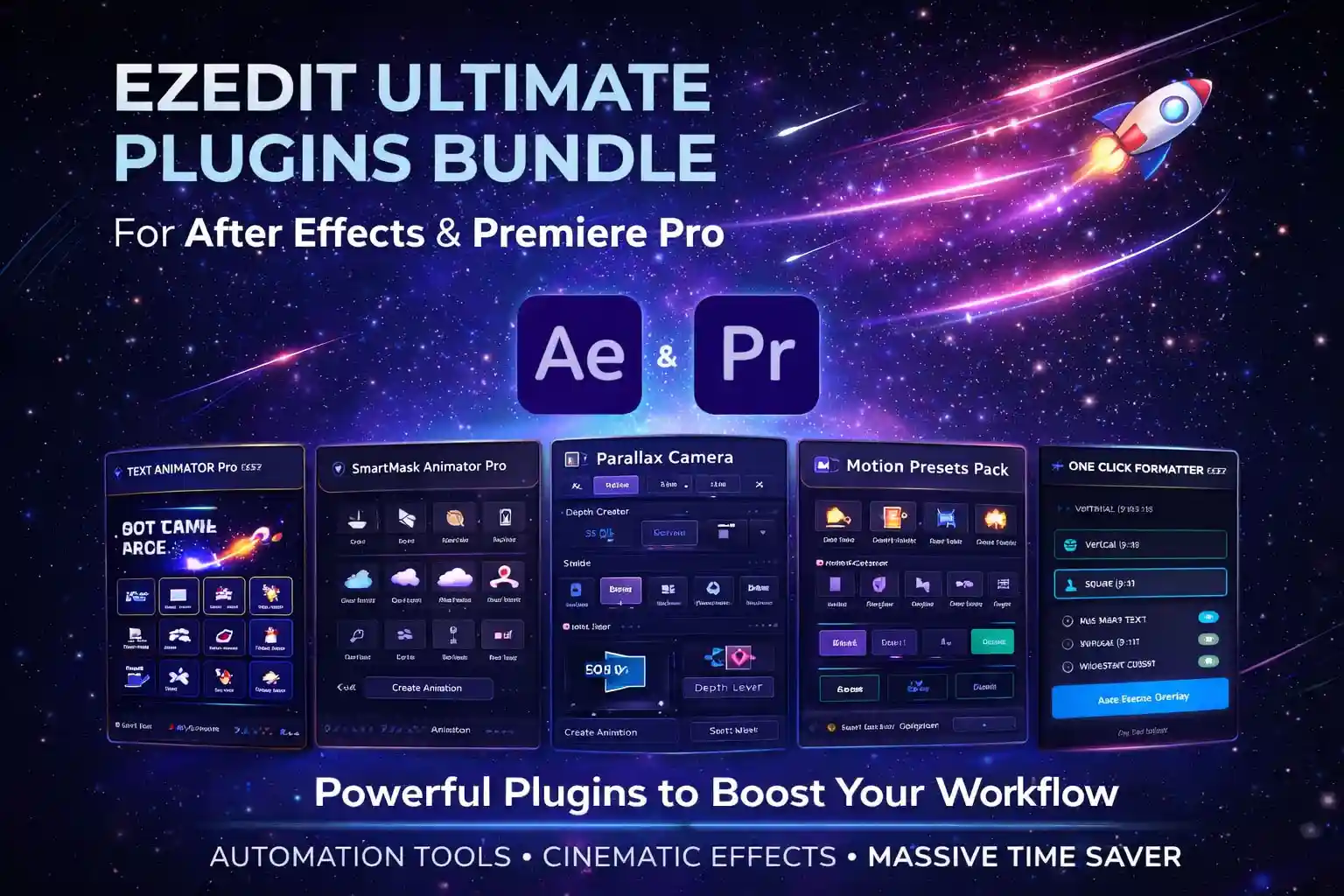
⚡ Everything Included in This Bundle
🎬 After Effects Tools & Plugins
✨ EZEdit Master Pro
Advanced all-in-one editing toolkit for professional motion graphics workflows.
⚡ EZEdit AE Tool 2.0
Powerful automation toolkit for faster editing inside After Effects.
🎞️ Auto Caption
Automatically generate stylish captions for videos instantly.
🔥 EZEdit Automator
Automate repetitive editing tasks and save massive time.
🌀 Looper Pro
Create seamless animation loops with one click.
🎯 Shifter Pro
Advanced layer shifting & animation management system.
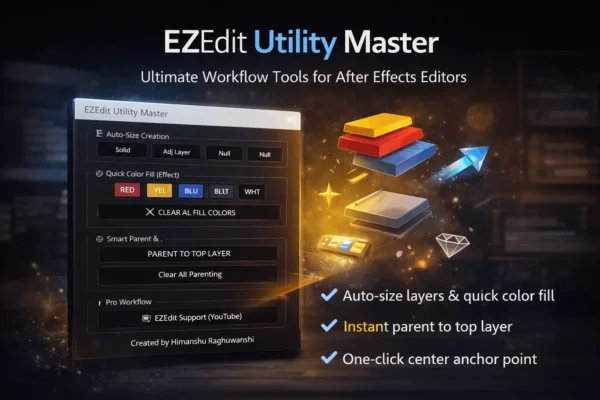
🛠️ EZEdit Utility Master
Essential utility tools for speeding up complex projects.
📍 Path to Null by EZEDIT
Instantly connect paths and objects to null layers.
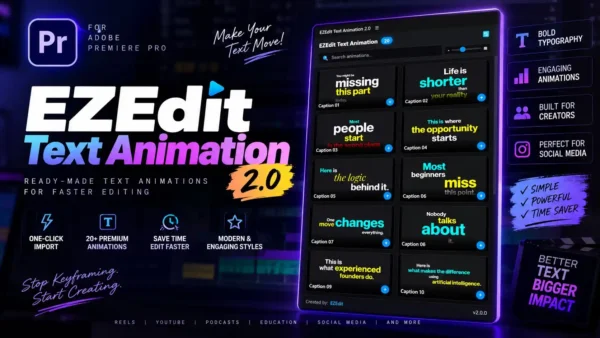
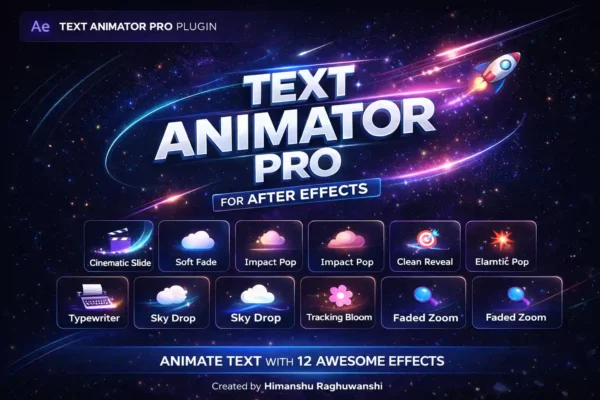
🎨 EZ Text Animation Presets
Ready-to-use professional text animations.
💥 EZEdit Motion Presets
High-quality motion presets for cinematic editing.
🌊 FlowPath
Smooth animation path workflow system.
🎥 Premiere Pro Tools & Plugins
📱 EZEdit One-Click Social Media Formatter
Automatically resize and reframe videos for:
- Instagram Reels
- YouTube Shorts
- TikTok
- Vertical & Horizontal formats
🧠 EZEdit Smart Caption
Create modern animated subtitles and captions instantly.
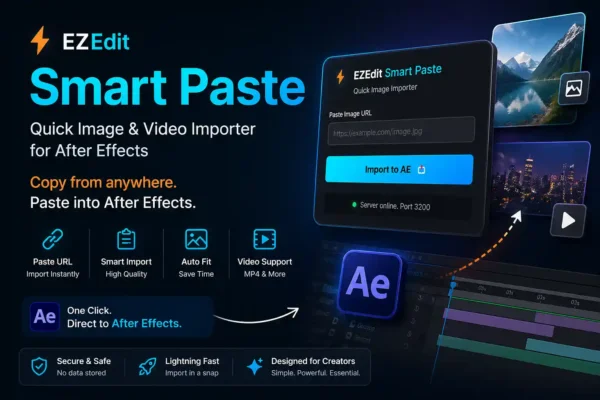
📦 EZEdit PasteX
Smart copy-paste workflow extension for faster editing.
📂 EZEdit File Collector
Collect and organize project assets automatically.
⚡ Key Features
🚀 1. One-Click Automation
Speed up your editing workflow using intelligent automation tools.
No more wasting hours on repetitive tasks.
🎬 2. Professional Cinematic Results
Create high-quality content for:
- YouTube Videos
- Instagram Reels
- Shorts
- Client Projects
- Ads & Commercials
- Documentary Style Content
⚡ 3. Beginner to Pro Friendly
Whether you’re a beginner creator or a professional editor, every plugin is designed for easy and efficient use.
🧠 4. Smart Workflow Optimization
Automate complex tasks like:
- Text animations
- Caption creation
- Motion effects
- Video formatting
- Layer management
- Animation looping
- Asset organization
🎯 Perfect For
✔ YouTube Creators
✔ Video Editors
✔ Freelancers
✔ Motion Designers
✔ Agencies
✔ Social Media Managers
✔ Content Creators
💡 Best Use Cases
- Viral Reels Editing
- YouTube Content Creation
- Client Video Projects
- Motion Graphics
- Short Form Content
- Podcast Editing
- Documentary Videos
- Marketing Ads
🖥️ System Requirements
- Adobe After Effects 2020+
- Adobe Premiere Pro 2020+
- Windows & Mac Supported
📦 What You Get
✅ All EZEdit Premium Plugins
✅ Motion Presets
✅ Automation Tools
✅ Caption Systems
✅ Workflow Extensions
✅ Installation Guides
✅ Future Updates (If Included)
🔥 Why Choose EZEdit Ultimate Bundle?
Instead of using multiple slow workflows and expensive tools…
👉 Get everything in one complete ecosystem
👉 Edit videos faster
👉 Improve productivity
👉 Create professional-quality content
👉 Save hours on every project
💰 Bundle Advantage
❌ Buying plugins separately = Expensive
✅ Buying EZEdit Bundle = Maximum Value + Complete Workflow System
🛠️ Installation Guide
Step 1
Download all plugin ZIP files.
Step 2
Extract the folders.
Step 3
Copy CEP extensions to:
C:\Program Files (x86)\Common Files\Adobe\CEP\extensionsStep 4
Import presets inside Premiere Pro or After Effects.
Step 5
Restart Adobe software.
❓ Frequently Asked Questions
Q1. Are these plugins beginner friendly?
Yes. All tools are designed with simple workflows and easy controls.
Q2. Do I need any third-party plugins?
No. Most tools work natively inside Adobe software.
Q3. Can I use these for client projects?
Yes. Commercial/client work usage is fully allowed.
Q4. Will I receive updates?
Yes, updates are included if available in your plan.
🔥 Edit Faster. Create Better. Grow Bigger.
🚀 EZEdit Ultimate Plugins Bundle
The complete toolkit for modern video creators.
Vishal Patel –
Earlier I was using cracked plugins but they caused issues. After buying this bundle, everything is smooth and safe. Performance is stable and workflow improved a lot.
Mohit Jain –
I was not expecting this much quality at this price. Bundle is very clean and well organized. Installation was easy and everything worked perfectly. Helps a lot in motion graphics work.
Ankit Sharma –
I purchased this bundle last month and I am impressed. Transitions, presets and automation tools are very helpful. For beginners also it’s easy to use. Price is very reasonable compared to value. Future updates included is the best part.
Rakesh Kumar –
Good collection of plugins. Especially useful for YouTube content creators. If you are editing daily videos, this will definitely speed up your work.
Deepak Singh –
Best investment for editors who are serious about their work. I mainly edit documentary style videos and these plugins help a lot in maps, animations and transitions. Saves both time and effort.
Aman Tiwari –
Very useful bundle for beginners as well as professionals. UI is simple and easy to understand. No unnecessary complications. Makes editing faster and more efficient.
Kunal Gupta –
I like the fact that all future updates are included. That gives long-term value. Tools are very practical and not just fancy. Works perfectly with my existing projects.
Saurabh Yadav –
As a freelance video editor, this bundle saved a lot of my time. Earlier I used to spend hours creating small animations, now it’s just one click. Smooth workflow and no lag issues. Totally recommended for YouTube editors.
Rahul Verma –
Honestly, this bundle is totally worth it. I was earlier using multiple scripts and plugins from different sources, but everything is now in one place. Especially time-saving tools are very useful for daily editing work. After Effects workflow becomes much faster. Good job EZEdit team.