
🔥 What is PasteX (Copy Pasta Plugin)?
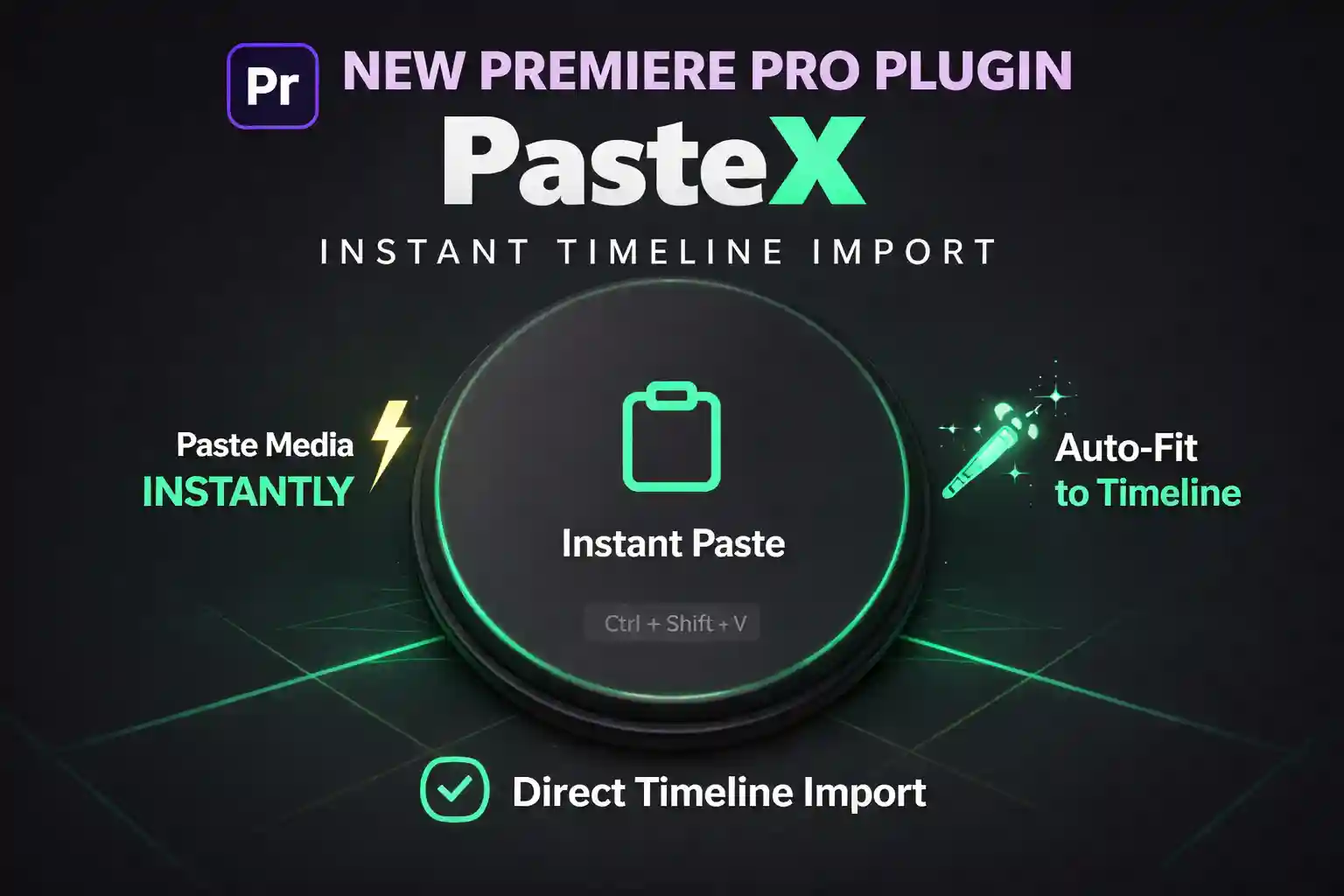
EZEdit PasteX is a powerful Premiere Pro copy paste plugin designed for creators who want speed.
It allows you to:
✔ Copy any image from browser
✔ Paste directly into Premiere Pro timeline
✔ Skip downloads completely
This is why creators call it the best copy pasta plugin for video editing ⚡
⚡ Core Features (Optimized for Search)
📋 One Click Copy Paste in Premiere Pro
Turn your workflow into instant copy paste editing.
No need to import files manually anymore.
🧠 Clipboard to Timeline (Auto Import)
Paste directly from clipboard to timeline — making PasteX the most advanced clipboard plugin for Premiere Pro.
🎬 Auto-Fit to Sequence
Your media automatically fits timeline size — perfect for fast editing workflows.
⚡ Instant Timeline Import
Skip project panel — content goes directly where you need it.
🚀 Ultra Fast Editing Workflow
Perfect for creators searching:
- “how to paste image in Premiere Pro”
- “fastest way to import media Premiere Pro”
- “Premiere Pro automation plugin”
🎯 Why PasteX Ranks as #1 Copy Paste Plugin
Most editors waste time:
Download → Import → Drag → Adjust
With EZEdit PasteX (Copy Pasta Plugin):
👉 Copy → Paste → Timeline in 1 second
This makes it the fastest copy paste plugin for Premiere Pro available.
👥 Who Should Use This Plugin?
- 🎥 YouTubers (fast editing workflow)
- 📱 Reels & Shorts creators
- 🎬 Video editors (Beginner to Pro)
- 📰 Documentary editors
- ⚡ Anyone searching “copy paste tool for video editing”
🛠️ How to Use Copy Paste Plugin in Premiere Pro
- Copy any image from browser
- Open Premiere Pro
- Press Ctrl + Shift + V
- Instantly appears in timeline 🎯
🚀 Why Choose EZEdit PasteX?
- ✔ Best copy paste plugin for Premiere Pro
- ✔ Designed for speed & productivity
- ✔ Works instantly with clipboard
- ✔ No complex setup
- ✔ Built for modern content creators
📥 Download EZEdit PasteX (Copy Pasta Plugin)
Stop wasting time on manual imports.
Start using the fastest copy paste workflow in Premiere Pro.
👉 Get EZEdit PasteX now and edit like a pro ⚡
Reviews
There are no reviews yet.