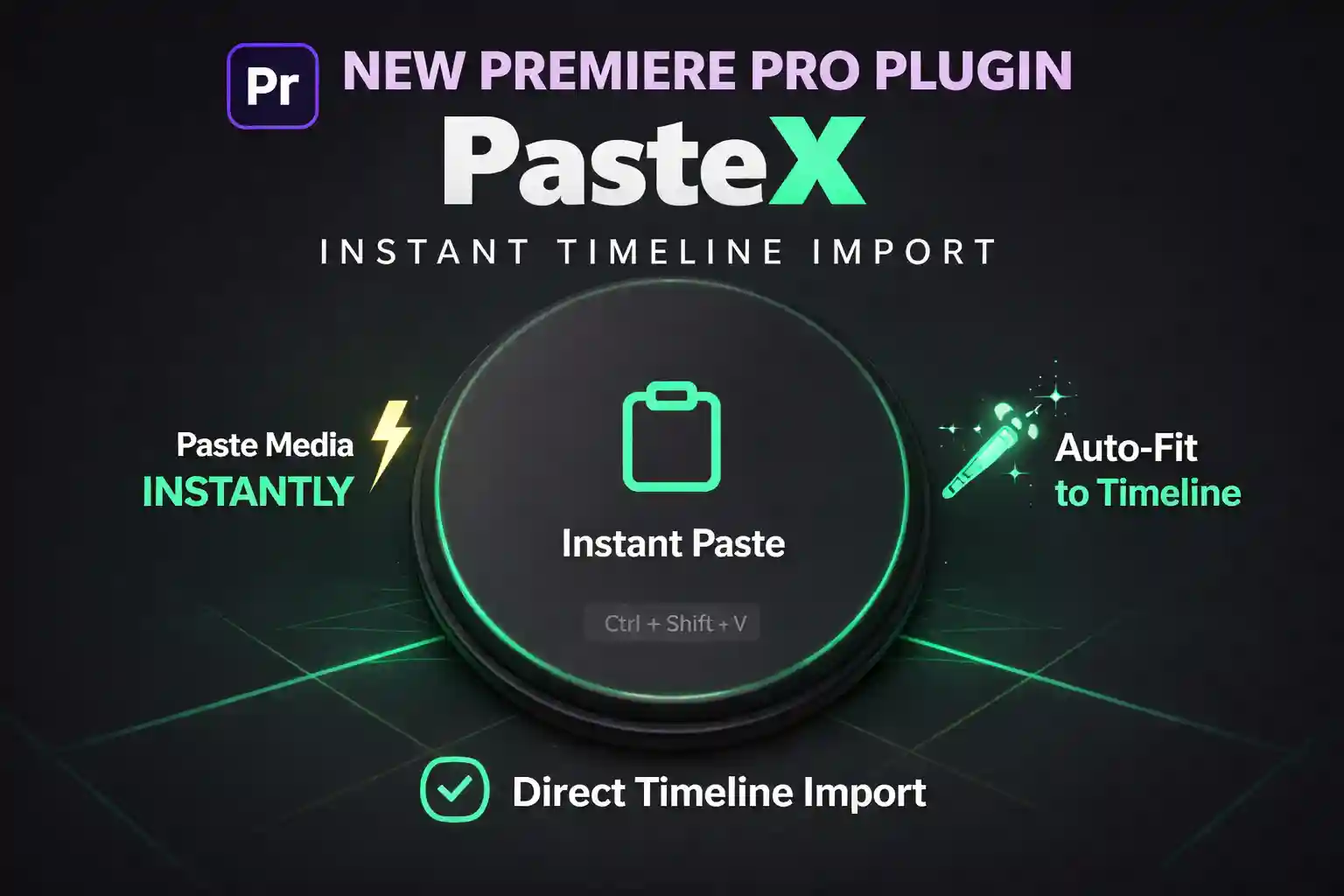
Traditional workflows waste time. Especially for YouTube videos, Instagram Reels, and Shorts, the download-then-import method kills momentum.
👉 Old Workflow: Download → Import → Drag → Resize (Slow)
👉 Modern Workflow: Copy → Paste (10x Faster)
🧠 Can You Copy Paste Images Directly?
By default, ❌ Premiere Pro does NOT support direct image pasting. However, with the EZEdit PasteX (Copy Pasta Plugin), you can bypass this limitation entirely.
🛠️ Step-by-Step Guide
Copy: Right click any image in your browser or desktop and select "Copy Image."
Paste: Inside Premiere Pro, press Ctrl + Shift + V.
Done: The image appears instantly on your timeline!
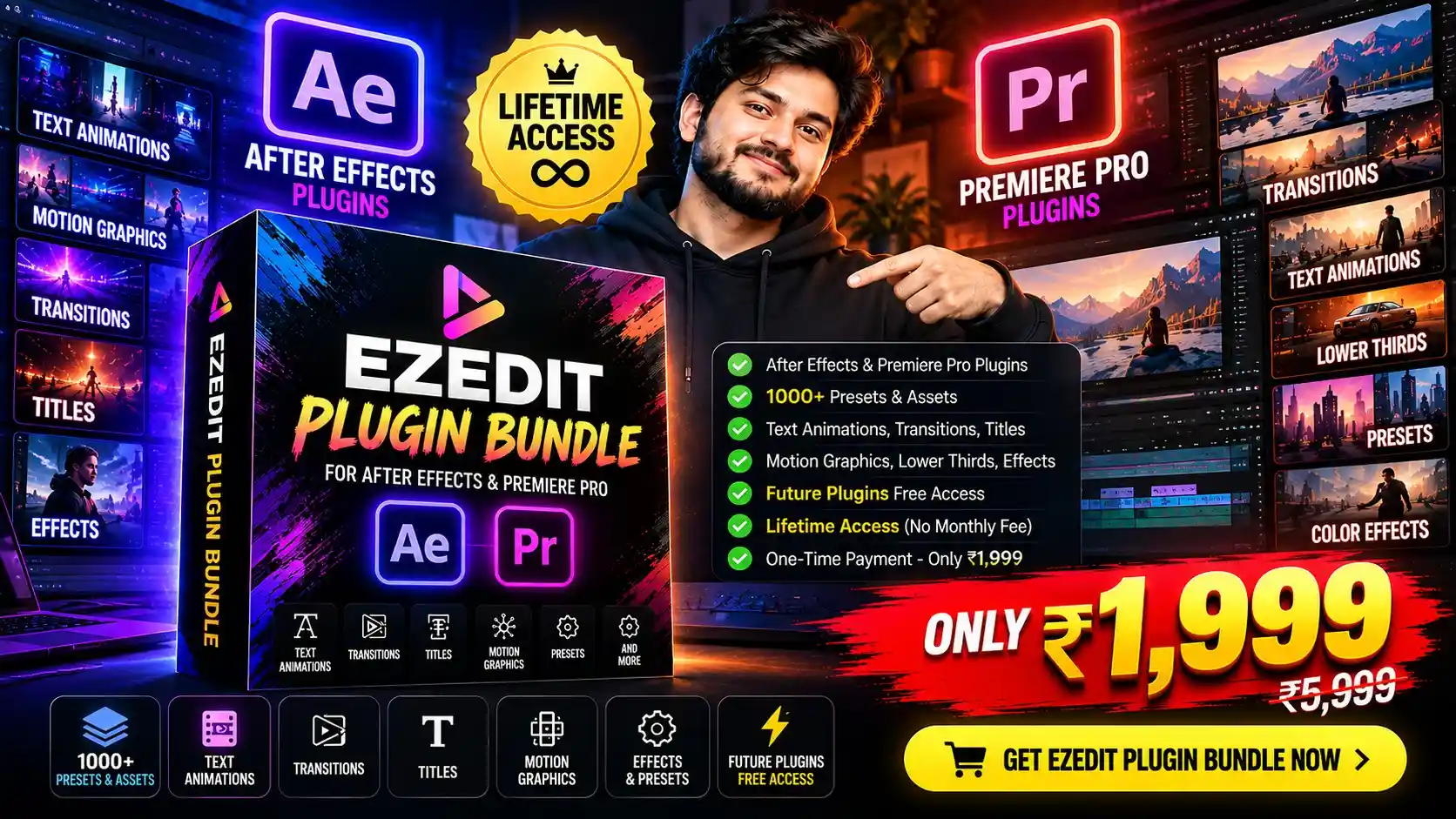 👉 Get the EZEdit Plugin Bundle today!