
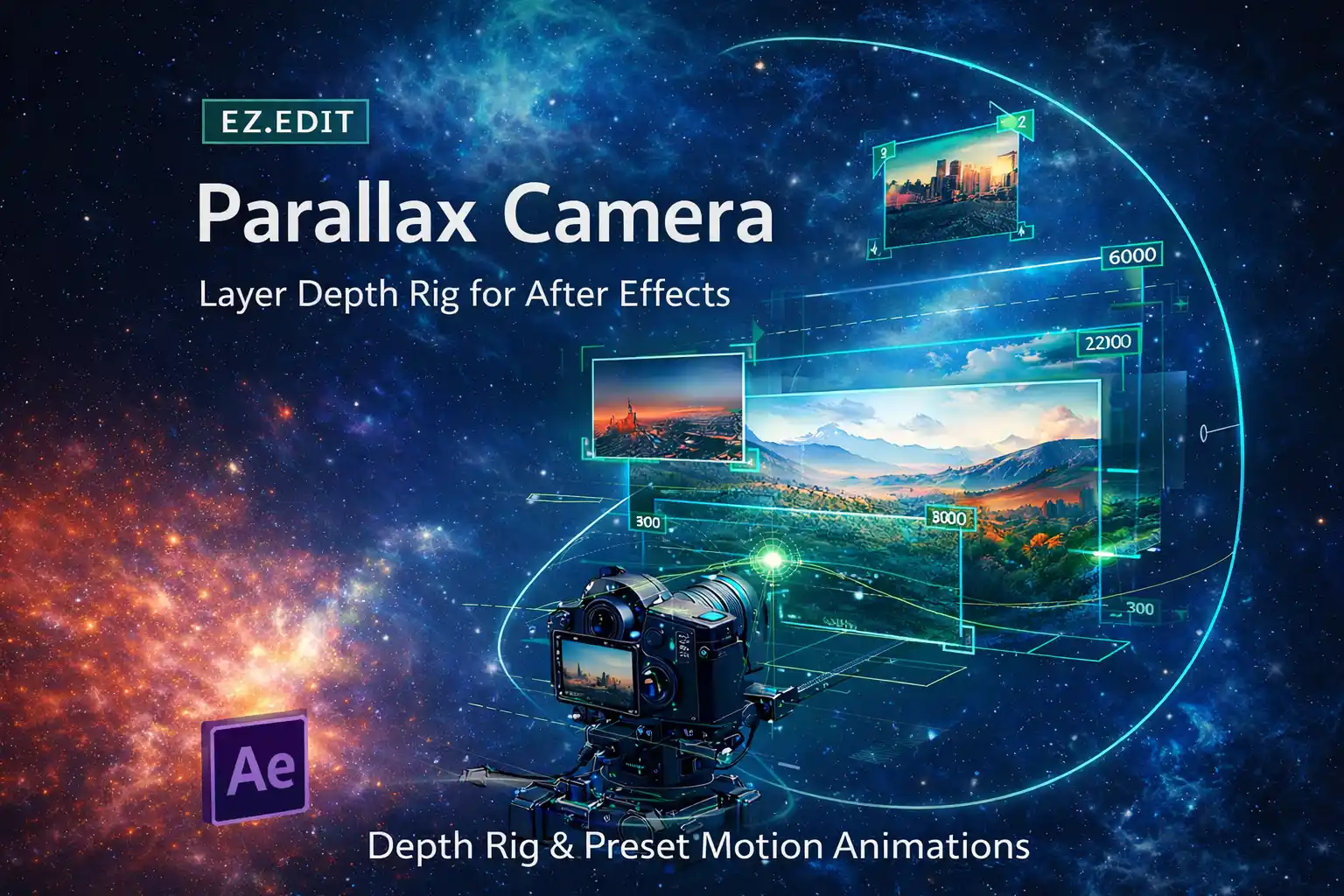
🎬 Turn Flat Designs into Cinematic 3D Motion
EZEdit Parallax Camera is a powerful After Effects plugin designed to help video editors and motion designers easily create professional parallax animations and depth-based camera movement.
EZEdit Parallax Camera is a powerful After Effects Parallax Plugin that helps you create cinematic 3D depth animations…
If you’ve ever struggled with creating realistic 3D depth using layers — this plugin solves it instantly.
Whether you’re making:
- Documentary-style videos (like Vox / Dhruv Rathee style)
- YouTube explainer animations
- Motion graphics reels
- Social media content
This tool gives your visuals a premium cinematic feel.
⚡ Key Features
🎯 1. One-Click Depth Rig System
Automatically convert 2D layers into a 3D parallax setup with proper spacing and depth.
No need to manually:
- Adjust Z positions
- Setup cameras
- Align layers
Everything is handled in seconds.
🎥 2. Smart Parallax Camera Controls
Control your camera like a pro:
- Smooth zoom-in / zoom-out
- Side motion parallax
- Dynamic cinematic movement
Perfect for storytelling visuals.
🎞️ 3. Ready-to-Use Motion Presets
Includes professionally designed presets:
- Cinematic intro moves
- Documentary-style animations
- Smooth transitions
- Depth zoom effects
Just apply and render 🚀
🧠 4. Beginner-Friendly UI
Simple interface designed for:
- Beginners
- YouTubers
- Freelancers
No technical knowledge required.
⚙️ 5. Fully Customizable
Advanced users can:
- Adjust depth intensity
- Modify camera speed
- Customize motion curves
🎯 Who is This Plugin For?
✔ YouTube Creators
✔ Video Editors
✔ Motion Designers
✔ Freelancers
✔ After Effects Beginners
💡 Use Cases
- YouTube documentary videos
- Map animations
- Thumbnail animations
- Instagram reels
- Educational videos
- Promo videos
🖥️ System Requirements
- Adobe After Effects 2020 or above
- Windows / Mac supported
- Basic AE knowledge recommended
📦 What You Get
- EZEdit Parallax Camera Plugin
- Pre-built Motion Presets
- Installation Guide
- Lifetime Updates (if applicable)
🔥 Why Choose EZEdit Parallax Camera?
Unlike complex 3D workflows, this plugin focuses on:
👉 Speed
👉 Simplicity
👉 Professional Output
You can create high-quality animations in minutes instead of hours.
🛠️ Installation Guide
Follow these simple steps to install EZEdit Parallax Camera in After Effects:
📥 Step 1: Download the Plugin
Download the plugin ZIP file from your account after purchase.
📂 Step 2: Extract the Files
Right-click the downloaded ZIP file and click Extract Here or Extract to Folder.
📁 Step 3: Copy to Extensions Folder
Copy the extracted plugin folder and paste it into the following directory:
If not working past this location
C:\Users\USER\AppData\Roaming\Adobe\CEP\extensions\
🔄 Step 4: Restart After Effects
Close and reopen Adobe After Effects.
📌 Step 5: Open the Plugin
Go to:
Window → Extensions → EZEdit Parallax Camera
⚠️ Important Notes
- Run After Effects as Administrator if the plugin doesn’t appear
- Make sure CEP Extensions are enabled
- Compatible with After Effects 2020 and above
❓ FAQ Section
Q1. Is this beginner friendly?
Yes, even if you’re new to After Effects, you can use it easily.
Q2. Does it work with all versions of AE?
Works best with AE 2020 and above.
Q3. Do I need plugins like Element 3D?
No, everything works natively inside After Effects.
Q4. Can I use it for client work?
Yes, 100% commercial use allowed.

Reviews
There are no reviews yet.