

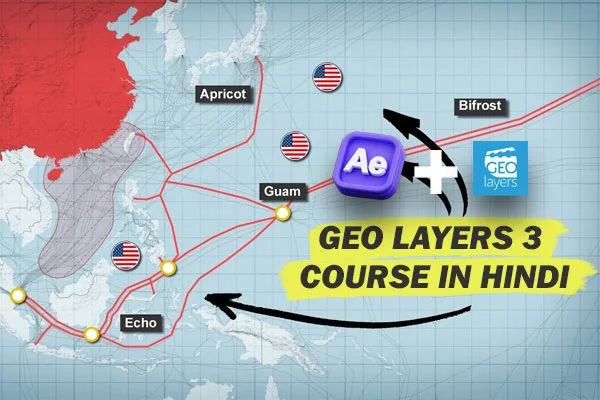
GeoLayer 3: Professional Geospatial Animation for After Effects
GeoLayer 3 is a powerful extension for Adobe After Effects that simplifies the process of creating high-end, data-driven map animations. It allows users to design, animate, and customize maps directly within the After Effects interface without needing deep GIS (Geographic Information System) knowledge.
Core Functionality
Unlike static image overlays, GeoLayer 3 functions as a dynamic portal to map servers. It handles the heavy lifting of tiling, projection, and scaling so you can focus on the creative motion design.
- Online Map Integration: Connects to servers like MapTiler, Mapbox, and Bing Maps to stream high-resolution satellite imagery, terrain data, and vector maps.
- 3D Terrain: With a single click, you can apply elevation data to create realistic 3D landscapes.
- Vector Styling: You can customize every element of the map—changing the color of roads, oceans, and forests—to match your project’s specific aesthetic or branding.
Key Features
| Feature | Description | ||
| Search & Zoom | Easily find specific cities, landmarks, or coordinates and animate smooth “Earth-to-Street” zooms. | ||
| Data Visualization | Import .kml, .gpx, or .geojson files to automatically draw routes, borders, or points of interest. |
||
| Labeling System | Features a smart labeling engine that keeps text legible and anchored to geographic points even during complex camera moves. | ||
| Mapbox Integration | Access to Mapbox Studio allows for extreme “Deep Styling,” giving you total control over the visual layer of the map. | ||
Common Use Cases
GeoLayer 3 is the industry standard for several types of video production:
- Documentaries: Visualizing historical borders, migration paths, or environmental changes.
- News & Journalism: Quickly creating “locator maps” to show where an event occurred.
- Travel Vlogs: Animating flight paths or hiking trails with high-resolution satellite detail.
- Corporate Presentations: Highlighting global office locations or supply chain routes.
Technical Workflow
The plugin operates by creating a “Map Comp” where you browse and frame your shot. Once you are satisfied with the view, you can “finalize” the map, which downloads the necessary tiles at the required resolution, ensuring the final render is crisp and stutter-free. It integrates seamlessly with After Effects’ 3D camera, allowing you to fly through a 3D landscape as if you were using a drone.

Reviews
There are no reviews yet.