

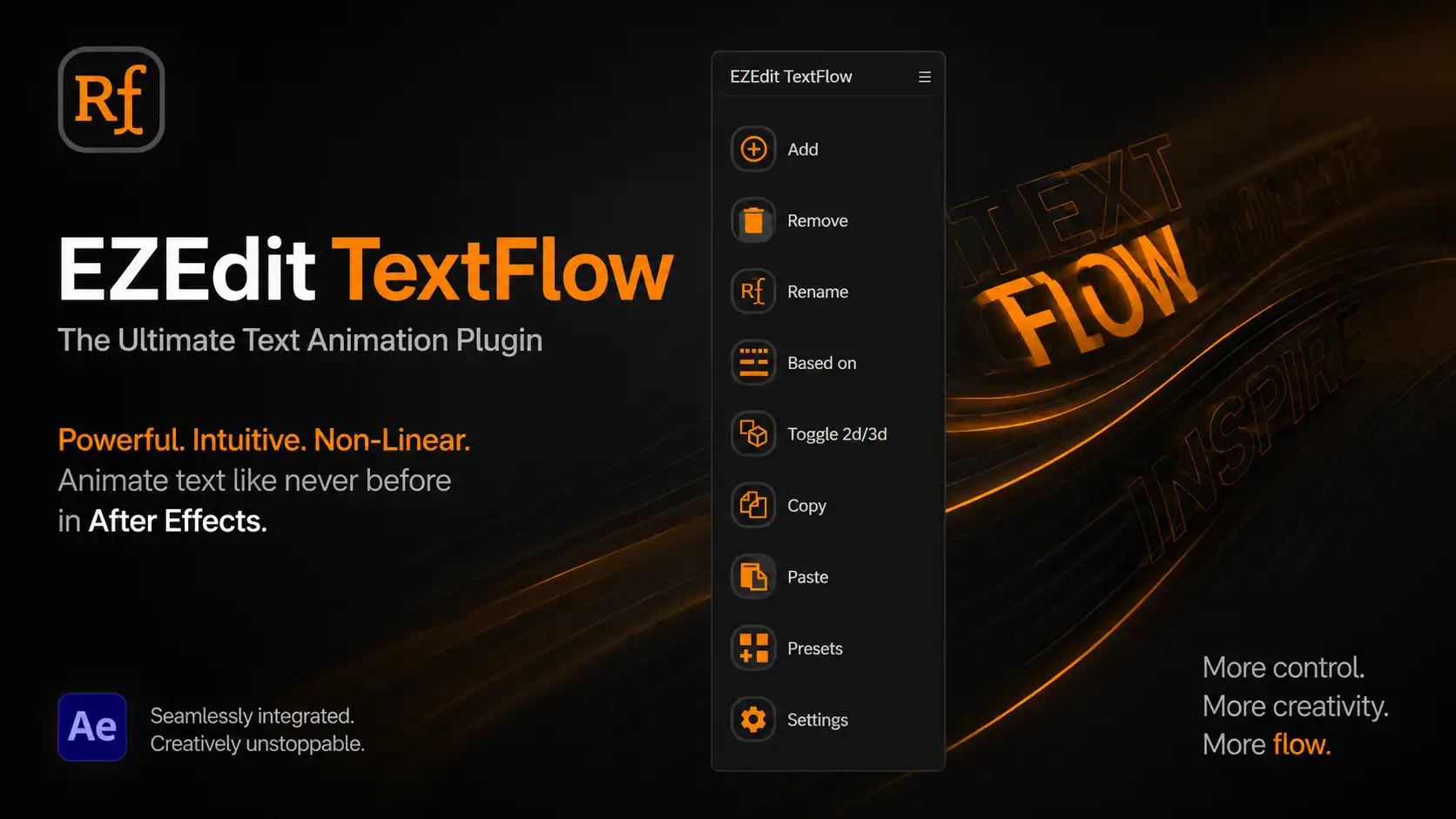
Why Choose EZEdit TextFlow?
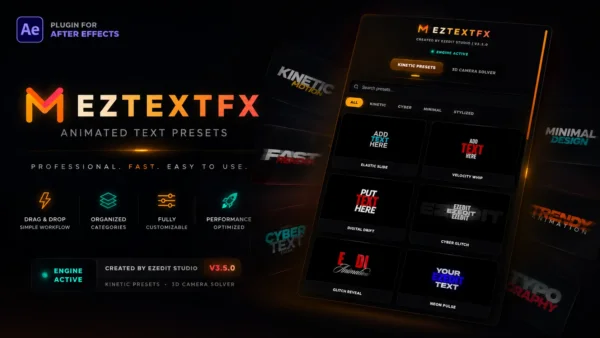
Traditional text animation in After Effects can be time-consuming and complicated. EZEdit TextFlow simplifies the entire process by providing a streamlined workflow that allows you to create complex text animations with just a few clicks.
Key Benefits
✅ Fast and Easy Text Animation Workflow
✅ Create Professional Typography Animations Instantly
✅ Fully Integrated Inside Adobe After Effects
✅ No Advanced Expressions Required
✅ Beginner-Friendly Interface
✅ Perfect for YouTube Videos, Reels, Ads & Motion Graphics
✅ Save Hours of Animation Time
Powerful Features
Add & Remove Text Animations Easily
Quickly add or remove animation presets without manually adjusting multiple keyframes.
Rename and Organize Animations
Keep your projects organized with intuitive renaming tools that make managing large compositions effortless.
Smart Preset System
Apply professionally designed animation presets and customize them to match your creative style.
Copy & Paste Animation Settings
Reuse animations across multiple text layers instantly to maintain consistency throughout your project.
2D & 3D Animation Support
Switch between 2D and 3D text workflows seamlessly, giving you maximum creative flexibility.
Non-Linear Animation Control
Unlike traditional text animators, EZEdit TextFlow provides advanced control over animation timing, sequencing, and creative direction.
Project-Based Workflow
Build complex text animation systems while keeping your project clean and organized.
Perfect For
- YouTube Videos
- Documentary Editing
- Kinetic Typography
- Lyric Videos
- Social Media Reels
- Instagram Content
- Promotional Videos
- Commercial Advertisements
- Corporate Presentations
- Motion Graphics Projects
- Explainer Videos
- Educational Content
Designed for Creators
EZEdit TextFlow is built specifically for creators who want professional-quality results without spending hours setting up complicated text animators.
Whether you’re a beginner learning After Effects or a professional motion designer working on client projects, EZEdit TextFlow helps you create visually engaging text animations faster than ever before.
Boost Your After Effects Workflow
Stop wasting time manually animating every letter and word.
With EZEdit TextFlow, you can:
- Speed up your editing process
- Create professional motion graphics faster
- Improve project consistency
- Increase productivity
- Deliver better results to clients
System Requirements
- Adobe After Effects CC 2020 or Higher
- Windows & macOS Support
- No Additional Plugins Required
Frequently Asked Questions
Is EZEdit TextFlow beginner-friendly?
Yes. The plugin is designed with a simple and intuitive interface, making it suitable for both beginners and professionals.
Can I use it for YouTube videos?
Absolutely. EZEdit TextFlow is perfect for YouTube content, documentaries, tutorials, shorts, and cinematic edits.
Does it support 3D text animation?
Yes. The plugin includes support for both 2D and 3D text animation workflows.
Can I customize the animations?
Yes. Every animation can be adjusted and customized according to your project requirements.
Does it work with the latest version of After Effects?
EZEdit TextFlow is compatible with modern versions of Adobe After Effects.
Start Creating Better Text Animations Today
Take your motion graphics and video editing workflow to the next level with EZEdit TextFlow — the ultimate text animation plugin for Adobe After Effects.
Create faster. Animate smarter. Design better.
Reviews
There are no reviews yet.